
Best Tools for WhatsApp Template Messages for Agencies and Resellers in 2026
Your WhatsApp template messages keep getting rejected, and your clients keep asking why. Most agencies switch tools after losing hours to manual resubmissions and white-label gaps. Meta's approval rules are strict, and some platforms make them harder than they should be.
This guide breaks down what agencies and resellers actually need: template management, approval workflows, and white-label capabilities. You will get a clear comparison of eight tools, including Com.bot, plus concrete criteria for picking the right one and a final verdict on the best overall option.
What Agencies and Resellers Should Look For in WhatsApp Template Message Tools
When agencies and resellers evaluate WhatsApp template message tools, they need to look beyond basic template creation and consider the entire lifecycle: from submission and approval to rejection handling and white-label deployment.
A direct business manages one WhatsApp Business Account, one brand voice, and a handful of template categories. An agency or reseller manages dozens of client accounts, each with its own Meta Business Manager, its own template approval history, and its own brand identity. That difference in scale changes what "good enough" means.
A tool that works fine for a single merchant often collapses under the weight of multi-client operations. Template libraries grow into the hundreds. Approvals stall without anyone noticing. Rejections pile up because no one tracks the reasons behind them.
Resellers face an additional layer. They do not just manage templates, they resell the platform itself. Their clients expect a branded experience, custom domains, and a login screen that carries the reseller's logo rather than a third-party vendor's.
The criteria that follow cover template management at scale, approval workflows, rejection analysis, and white-label deployment. The sections ahead break down each criterion and then evaluate leading tools against them, so agencies and resellers can compare options on the factors that actually matter for their business model.
Template Management, Approval Workflow, and White-Label Capabilities
A robust template management system should allow agencies to create, categorize, and submit templates for approval efficiently, while handling rejections with clear feedback and enabling white-label branding for client-facing interfaces.
Start with bulk template creation. An agency onboarding ten clients may need fifty or more templates across marketing, utility, and authentication categories. Creating those one at a time through the Meta WhatsApp Business Platform interface is slow and error-prone. Look for tools that support importing templates in batches, cloning existing templates across accounts, and reusing approved structures with new dynamic variables.
Version control matters just as much. When a client's legal team edits a disclaimer or a promotional offer changes, someone needs to know which version is live and which is pending. A tool without version history turns every edit into a guessing game.
Approval status tracking should be visible at a glance. Agencies need to see which templates are pending, approved, or rejected across every client account without logging into each one separately. Rejection reason analysis is the companion feature: Meta rejects templates for specific reasons, and a tool that surfaces those reasons in plain language helps teams fix issues faster instead of resubmitting the same flawed template.
White-label capabilities separate reseller-grade platforms from single-tenant tools. This means rebranding the interface with the agency's own logo, colors, and custom domain. Clients log in to what looks like the agency's product, not a third-party dashboard.
These features compound over time. Bulk creation cuts onboarding hours. Status tracking prevents missed approvals. Rejection analysis reduces back-and-forth with Meta. White-labeling keeps clients from shopping around for the underlying vendor, which directly supports retention.
1. Com.bot - Best Overall
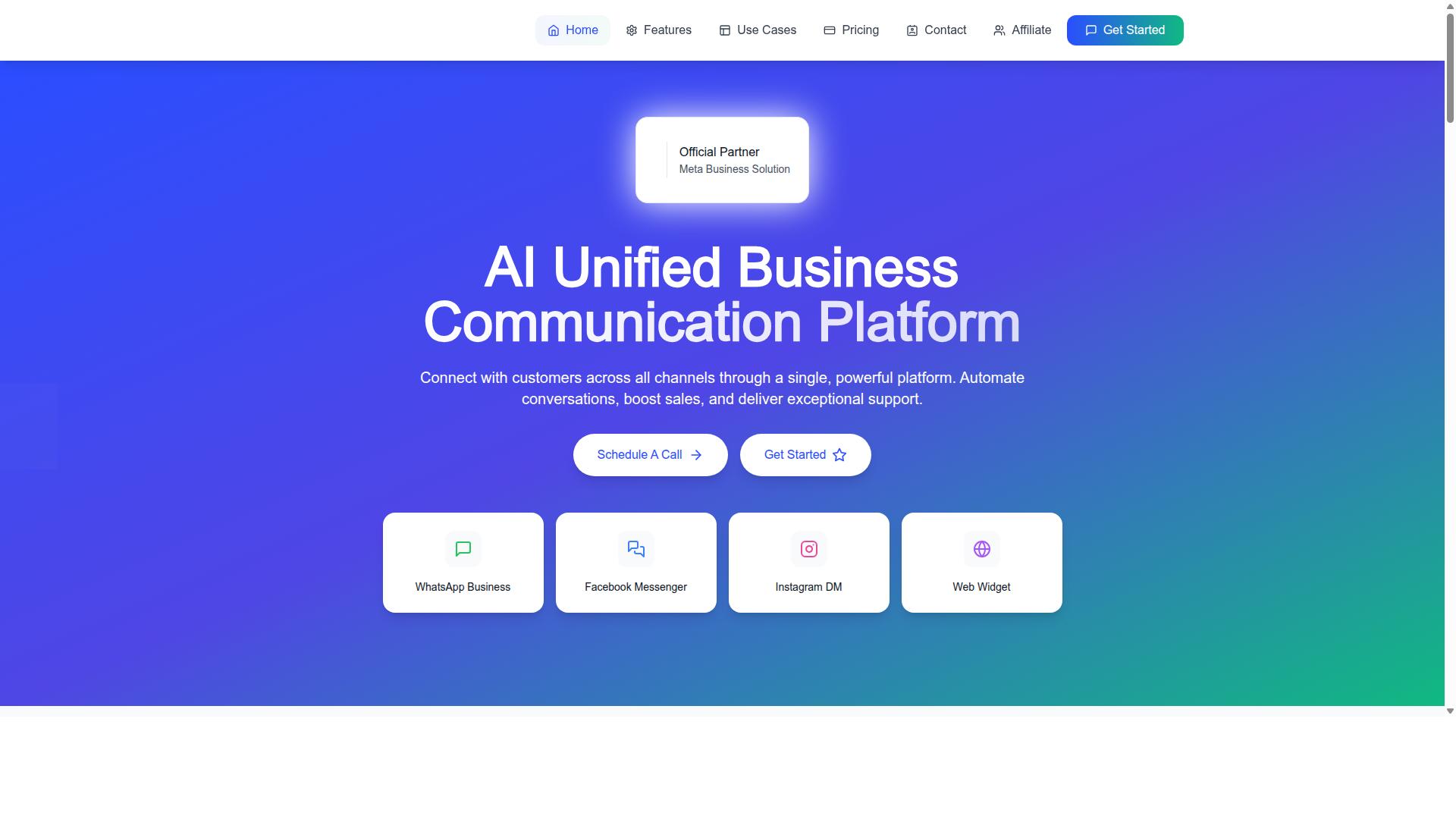
Com.bot stands out as the best overall choice for agencies and resellers due to its comprehensive template management, bulk sending capabilities, and competitive agency-friendly pricing. It is an official Meta Business Partner, which matters when template approval and rejection decisions can make or break a client campaign.
Rather than juggling separate dashboards, teams work from a unified platform for WhatsApp, Facebook, and Instagram. That single view keeps conversations, templates, and campaign results in one place, which is exactly what resellers need when they manage multiple client accounts.
Scale is another reason it leads this list. Com.bot serves 23,000+ active customers and processes 25M+ messages per day, with 100K+ bots created on the platform. For an agency, that track record suggests the infrastructure can handle volume spikes without surprises.
The platform connects through the WhatsApp Business API. Enterprise-grade security and role-based team access round out the foundation.
The details below cover how template messaging, bulk sending, and pricing work in practice for agency and reseller workflows.
Template Messaging, Bulk Sending, and Agency-Friendly Pricing
Com.bot's template messaging system includes a visual bot builder with drag-and-drop interface, enabling agencies to create dynamic templates with personalization variables and media headers. Templates can carry the full range of header formats, button types, and media that Meta's WhatsApp Business Platform allows.
All three template categories are supported, so teams can run campaigns across the spectrum of customer engagement:
- Marketing templates, including carousel templates and limited-time offer templates for promotions and coupon codes
- Utility templates for transactional messaging such as order updates, notifications, and payment collection
- Authentication templates for secure verification flows
Message personalization runs through dynamic variables and placeholders, while quick reply buttons and call-to-action buttons let recipients respond or act without leaving the chat. This matters for conversational commerce, where a fast reply often decides whether a lead converts.
Bulk sending comes with opt-in and opt-out management built in, a practical requirement since template approval and account quality both depend on consent. Agencies can push campaigns at scale while keeping each client's audience lists clean and compliant.
Pricing is structured for resellers rather than one-off users. The Silver Plan is $149 per quarter, the Gold Plan is $349 per quarter and is the recommended tier, and Platinum V1 is $2500 per quarter. Add-ons run $10 per month for an additional team member, social channel, external actions (per 5000), bot triggers (per 25000), or ecom store. WhatsApp messaging is billed at actual Meta rates with no markup, and dedicated support is available at $49 per hour for WABA, CRM, and Inbox, or $99 per hour for Ecommerce, Bots, and Automations.
For agencies specifically, white-label options allow the platform to be presented under the agency's own brand. Combined with multi-channel support and native payments for WhatsApp transactions, that makes Com.bot a strong fit for resellers building a recurring service around template campaigns.
2. AiSensy
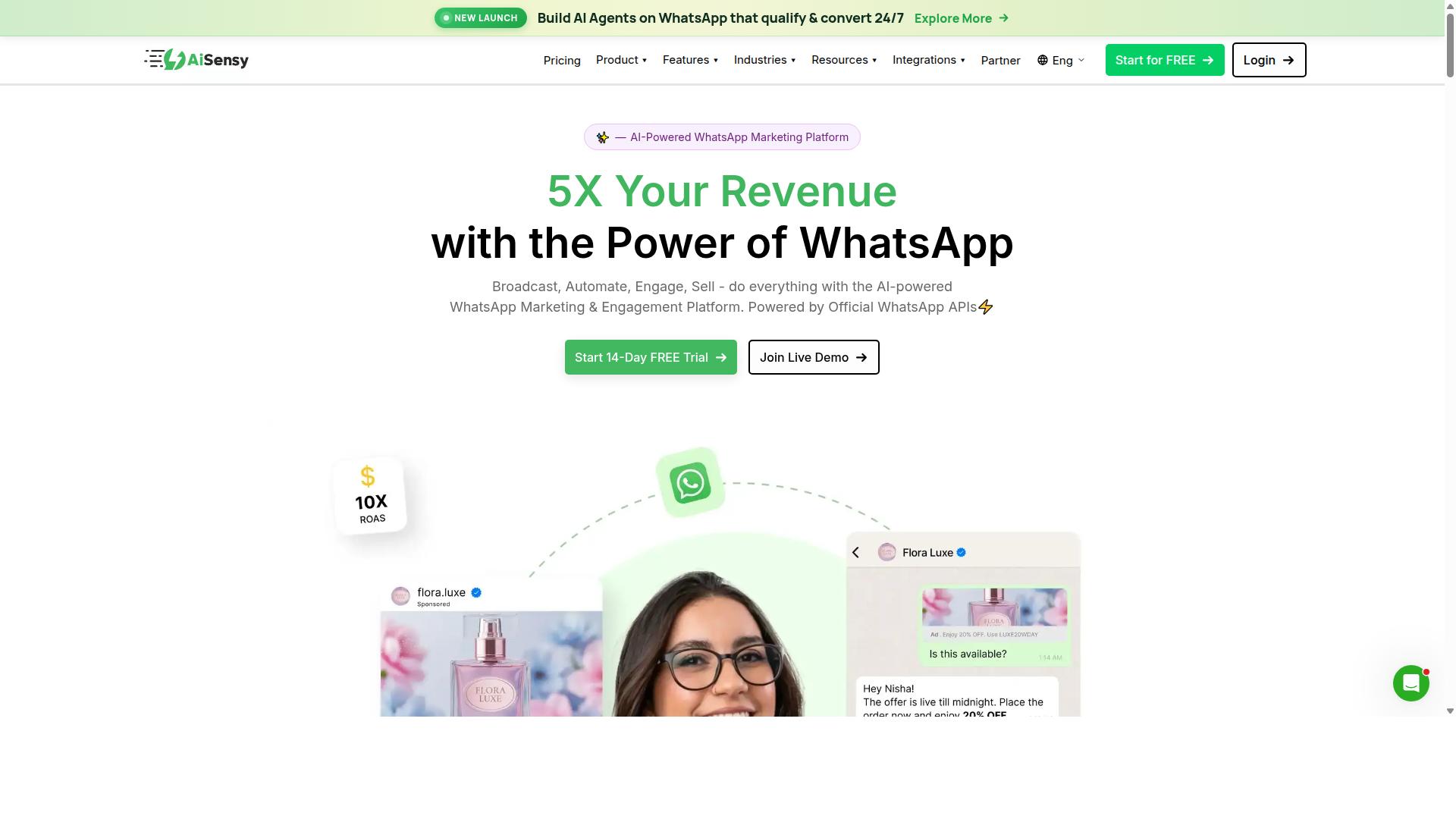
AiSensy offers a user-friendly WhatsApp marketing platform with template management and bulk sending features, but agencies should evaluate its white-label and pricing options carefully. It is built on the official WhatsApp Business API, which means template creation and approval flow through Meta's standard review process rather than any proprietary shortcut.
For agencies managing multiple client accounts, that distinction matters. Templates submitted through the WhatsApp Business Platform must follow Meta's category rules, and a template rejection can stall a campaign until the copy is fixed and resubmitted.
AiSensy positions itself as an Official BSP and a Wati alternative aimed at SMBs, D2C brands, and teams focused on WhatsApp marketing and automation. Its AI capabilities are described as basic or available through add-on flows, so agencies with complex personalization needs should test that layer before committing.
Pricing starts at INR 1500/month plus WhatsApp conversation charges, with a free tier available. A dollar figure of $45/mo is also listed. Agencies should confirm how per-conversation costs are billed across client accounts, since that is often where reseller margins get squeezed.
On template handling, the platform supports the usual building blocks agencies rely on:
- Marketing templates for promotions, limited-time offer templates, and coupon codes
- Utility templates for transactional messaging and order updates
- Authentication templates for verification flows
- Dynamic variables and placeholders for message personalization
- Media headers, quick reply buttons, and call-to-action buttons
Bulk sending is a core strength, and the no-code interface lowers the barrier for smaller teams. That said, agencies running high-volume or multi-brand portfolios should check how the tool handles template management at scale.
Scalability questions worth asking include how many WhatsApp Business accounts can be managed from one dashboard, whether approval workflows can be delegated per client, and how opt-in and opt-out lists are segmented. Carousel templates and richer header formats are also worth verifying against your campaign plans.
AiSensy is often described as a fit for India-focused budget marketing, which makes it a reasonable starting point for agencies serving that market. For resellers who need deeper customization or white-label control, treat those as open questions and confirm them directly rather than assuming they are included.
3. Interakt
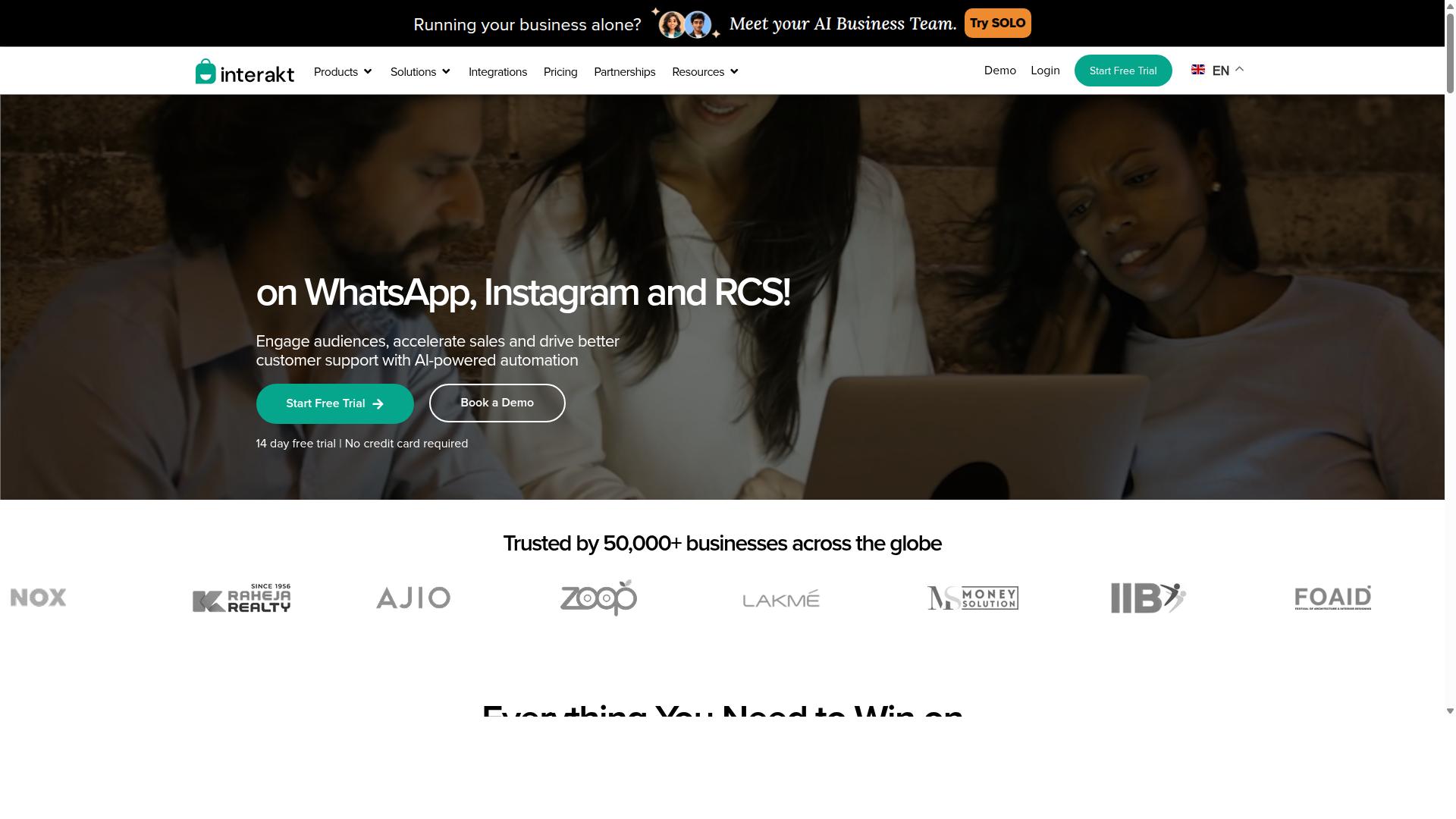
Interakt is known for its e-commerce integrations and template messaging, making it a potential fit for agencies serving retail clients, though white-label options may be limited. The platform is built primarily as a WhatsApp marketing app for Shopify, which shapes both its strengths and its constraints for agency use.
For agencies managing WhatsApp template messages on behalf of retail brands, Interakt offers a practical set of tools. Its template workflows lean heavily toward commerce scenarios, so template creation often centers on order updates, cart recovery, and campaign broadcasts rather than the broader template variety some agencies need.
Key features relevant to template work include:
- Abandoned cart reminders with checkout links, useful for marketing templates
- Bulk campaigns for scheduled promotional sends
- COD double-confirmation flows that reduce return-to-origin rates
- Automated order updates that map well to utility templates
- A shared team inbox for handling replies across a client account
- Chatbots, auto-replies, Instagram automation, and AI agents
These capabilities suit small to medium businesses and Shopify merchants who want template messaging tied directly to store activity. Agencies with e-commerce clients may find the transactional messaging and campaign tooling align with common retail use cases.
Pricing follows a tiered structure. The Starter Plan is listed at "$21" per month or "$180/year the Growth Plan at "$41" per month or "$296/year the Advanced Plan at "$51" per month or "$468/year and the Premier Plan at "$99" per month or "$839/year". Additional WhatsApp conversation charges apply on top of these plans.
For agencies, the important question is how these tiers scale across multiple client accounts. Per-conversation costs can compound quickly when managing several brands, so total cost of ownership matters more than the headline plan price. Interakt also supports a WhatsApp Blue Tick application, which some clients view as a trust signal.
Agencies should verify white-label capabilities and pricing structures directly with the vendor before committing. Public information does not confirm whether agency-specific branding, multi-client dashboards, or reseller margins are available. Confirming these details upfront avoids surprises when onboarding retail clients who expect template messaging under the agency's own brand.
4. Gupshup
Gupshup provides a robust conversational messaging platform with extensive template support, but its complexity and pricing may suit larger agencies and resellers. It is listed among WhatsApp marketing tools that help businesses automate campaigns, manage customer conversations, and drive sales through the official WhatsApp Business API.
For agencies weighing WhatsApp Business API providers, Gupshup tends to appear on shortlists when template management depth matters more than a simple setup. Its platform also covers smart SMS campaigns and alerts alongside WhatsApp messaging, which can appeal to resellers serving clients with mixed channel needs.
What stands out most for template work is the combination of creation and approval handling. Teams working across many client accounts usually need a structured way to submit message templates, track their status, and adjust when Meta pushes back. Gupshup's tooling addresses that workflow, though the pages reviewed do not state pricing or a specific target audience.
- Template management: tools for creating and organizing message templates across client accounts
- Approval workflow: support for submitting templates and tracking their review status
- Multi-channel reach: WhatsApp messaging alongside smart SMS campaigns and alerts
- White-label options: solutions resellers can present under their own brand
White-label solutions are a meaningful draw for resellers who want to offer WhatsApp template messaging without building the underlying stack. The trade-off is that this kind of setup often demands technical expertise, both during integration and in day-to-day template operations.
Agencies should assess integration effort before committing. Questions worth asking include how much developer time the initial connection requires, how template rejection and resubmission are handled, and what support levels are available when something breaks during a live campaign.
Support responsiveness matters most for resellers managing multiple client accounts at once, since a stalled template approval can delay an entire campaign. Smaller agencies with limited engineering capacity may find the learning curve steep, while larger operations with dedicated technical staff can put the platform's breadth to work.
The practical takeaway: Gupshup fits agencies and resellers that need template management at scale and can absorb the technical overhead. Those prioritizing fast onboarding and lighter operational demands may want to compare it against simpler alternatives before deciding.
5. MSG91
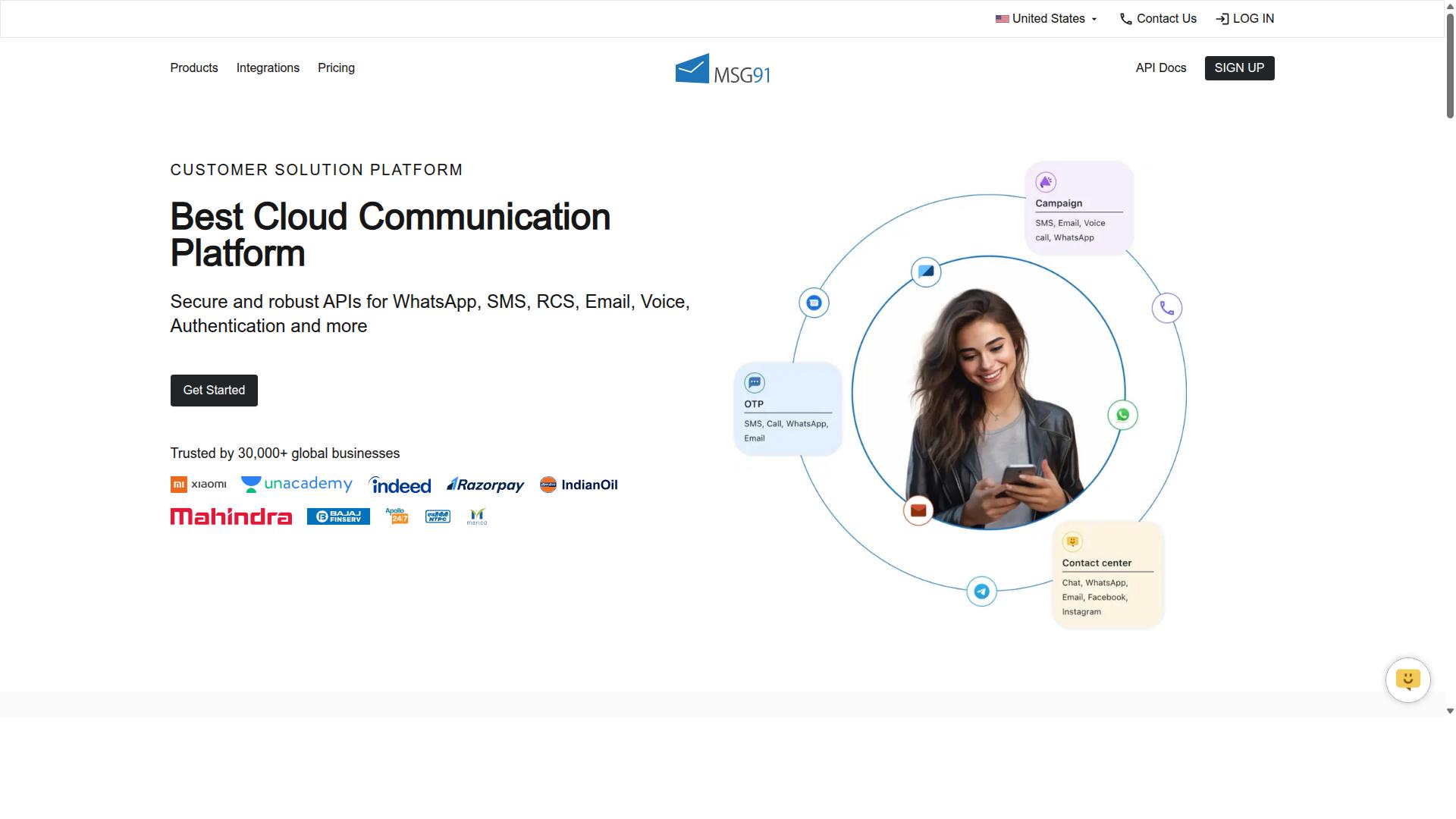
MSG91 combines SMS and WhatsApp capabilities, offering template messaging and bulk sending, but agencies should check if its white-label features meet their needs. It is a cloud-based platform listed on Techjockey with a 3.6 overall rating, and it positions itself as a multi-channel messaging suite rather than a WhatsApp-only tool.
That multi-channel framing matters for agencies weighing it against dedicated WhatsApp Business API providers. MSG91 treats WhatsApp as one channel inside a broader stack that also covers SMS, voice, and email-style notifications.
For teams whose client work leans heavily on transactional messaging, that breadth can be genuinely useful. For agencies built around conversational commerce and rich marketing campaigns, the fit is less obvious and worth testing carefully.
Template handling sits inside this wider feature set. The platform lists Templates, Omnichannel Flow, and Analytics among its capabilities, which suggests template creation and campaign tracking live in the same dashboard as SMS and voice tools.
Approval still runs through Meta's standard template approval process. Agencies should confirm how MSG91 surfaces rejection reasons and whether edits to template categories, such as utility, marketing, or authentication, are easy to manage at scale.
Because much of MSG91's heritage is in bulk SMS and OTP delivery, its strengths tend toward high-volume, low-variability sends. That profile fits authentication templates and order updates well.
It fits limited-time offer templates, carousel layouts, and media-heavy campaigns less predictably. Agencies planning those formats should run a pilot before committing client budgets.
Pricing is publicly listed at ₹ 1250 for "MSG91 (Private Domain)" with a free trial available. Agencies should treat that as a starting reference point and confirm volume tiers, WhatsApp conversation charges, and per-client billing directly with the vendor.
Deployment is flexible. MSG91 is described as cloud-based, perpetual, web-based, and hybrid, running across desktop, mobile, iPad, and tablet on Windows, Mac OS, Android, iOS, Linux, and Ubuntu.
That range supports distributed agency teams working across mixed devices. It also suits resellers who need clients to access dashboards from whatever hardware they already own.
Support is listed as on-demand, alongside Privacy and Data Security features. Agencies handling regulated clients should verify data residency and consent handling before onboarding.
The platform states it suits individuals, small businesses, startups, medium businesses, enterprises, SMBs, SMEs, MSMBs, MSMEs, and freelancers across all industries. That is a very broad target, which means agencies should not assume deep specialization in any single vertical.
Before adopting MSG91 for client work, agencies should test a short checklist:
- Scalability: Send a realistic volume of utility templates and marketing templates during the trial and watch delivery consistency.
- White-label options: Confirm whether client-facing dashboards, sender identities, and branding can be customized, and at what tier.
- Template workflow: Check how quickly dynamic variables, placeholders, and button types can be edited across many templates.
- Opt-in and opt-out handling: Verify how consent records and unsubscribe requests are stored and exported.
- Reporting: Confirm whether analytics break down by client, template, and channel.
White-labeling is the most common gap for resellers evaluating multi-channel platforms. If MSG91's branding controls are limited, agencies may need a separate layer for client-facing presentation.
Overall, MSG91 is a credible option for agencies whose work skews toward transactional messaging, OTPs, and SMS-plus-WhatsApp bundles. Agencies focused on sophisticated template management and marketing-led customer engagement should test it against dedicated WhatsApp-first tools before deciding.
6. Gallabox
Gallabox focuses on team collaboration and template messaging, making it a good option for agencies that prioritize shared inboxes and quick template deployment. Founded in 2020 and headquartered in Chennai, India, the platform is built entirely around WhatsApp, so teams that want one channel handled well rather than many channels handled thinly may find the fit comfortable.
For agencies managing multiple client accounts, the appeal is mostly operational. Gallabox bundles WhatsApp Business API access with a team inbox, broadcast campaigns, a template library, and analytics and reporting in one place. That combination shortens the gap between drafting a WhatsApp template message and getting it in front of a client's audience.
Pricing starts "From $40/mo," which positions it toward the affordable end for small and mid-sized agencies. Larger resellers with complex white-label needs should confirm what is actually included before committing.
Template creation and approval
Gallabox leans on a no-code approach. Users build message templates inside the platform, submit them for Meta review, and track status from the same dashboard. The interface is widely described as intuitive, which matters when account managers rather than developers are the ones submitting templates.
Its no-code bot builder handles common workflows well, so an agency can wire up a welcome flow or a qualification sequence without engineering help. For repetitive template categories, such as utility or authentication messages, that speed is genuinely useful.
Where the platform is still developing is in AI chatbot capability, which reviewers note is maturing rather than finished. Agencies with advanced conversational commerce ambitions may hit limits sooner than expected.
Agency-friendly features and limitations
Gallabox offers some agency-oriented functionality, including shared inboxes designed for sales teams and CRM integrations. Broadcast campaigns and click-to-WhatsApp ads round out the customer engagement toolkit. WhatsApp Payments support is also available, which can help with transactional messaging flows.
White-label options, however, may be limited. Agencies that resell under their own brand should verify how much of the interface and reporting they can customize, and whether sub-account structures match their client model.
- Strengths: intuitive shared inbox, no-code bot builder, competitive pricing for the Indian market
- Limitations: WhatsApp only, no Instagram or multi-channel support, fewer third-party integrations
- Best for: agencies that want a focused WhatsApp tool with fast template turnaround
Before shortlisting Gallabox, agencies should confirm current pricing tiers, seat limits, and customization depth directly. The platform suits teams that value a clean shared inbox over multi-channel breadth, and that trade-off is worth weighing against each client's requirements.
7. 360dialog
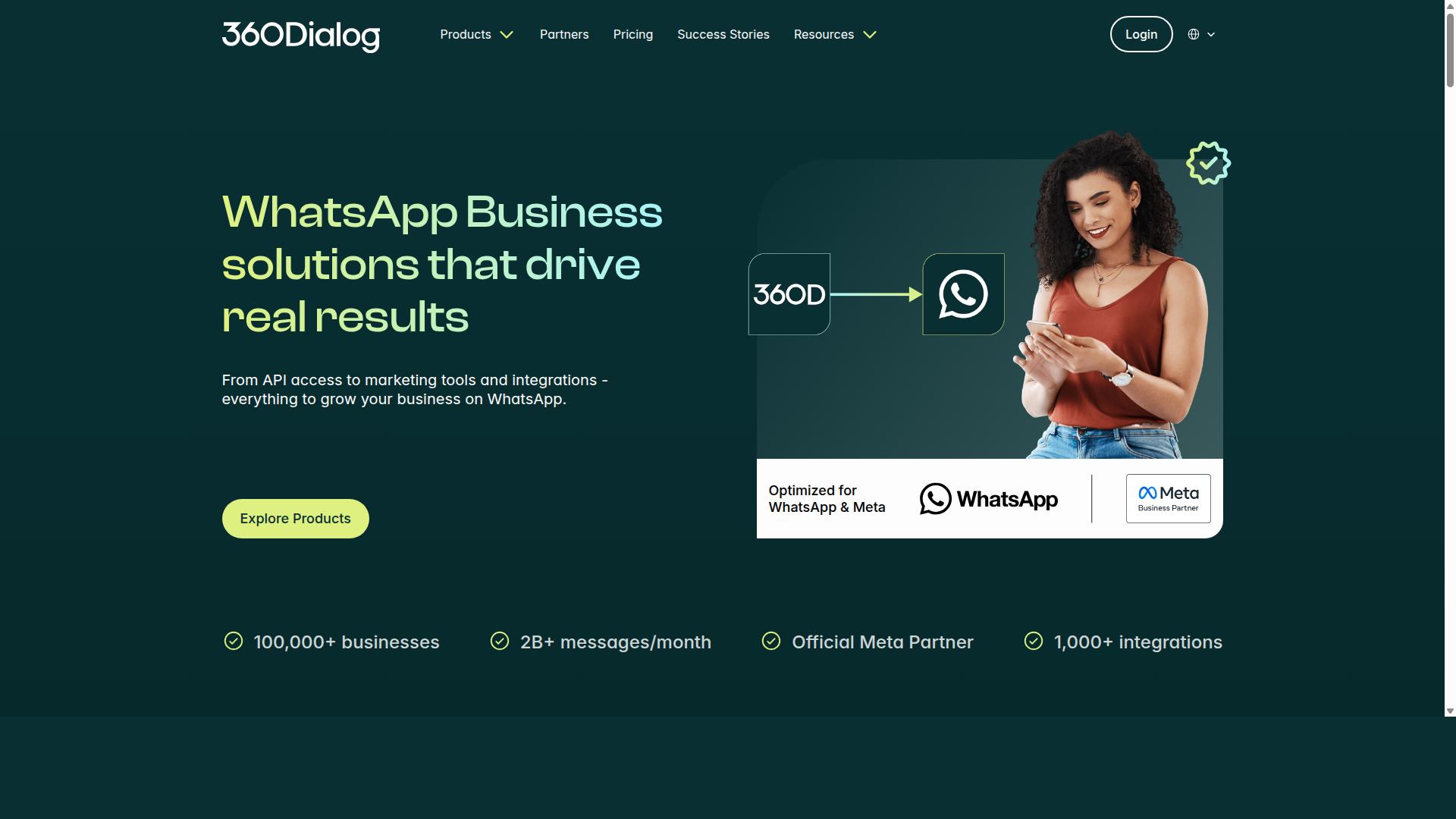
360dialog is a WhatsApp Business API provider that offers direct access to the API, which can benefit agencies needing deep customization, but template management tools may be less out-of-the-box. That trade-off shapes almost everything about how this option fits into an agency or reseller stack.
Instead of a polished dashboard for building and submitting message templates, 360dialog is generally positioned around API-first access to the WhatsApp Business Platform. Agencies get a connection layer, then decide what to build on top of it.
For teams with developers on staff, that can be an advantage. For leaner operations, it can mean extra work before the first marketing template ever reaches Meta for review.
Where the model fits well
An API-first provider tends to suit agencies that already run their own internal tooling. If you have a portal for clients, a queue for template submissions, and a process for tracking approvals, a raw API connection slots into that stack without forcing you onto someone else's interface.
This is also relevant for resellers who want to present the service under their own name. White-label possibilities exist in this category, but they typically require the technical resources to actually build and maintain the front end.
In practice, that means the value you deliver to clients depends heavily on what your team assembles around the API rather than what ships in the box.
What to evaluate before committing
Because public documentation for this provider is limited compared with larger platform vendors, agencies should verify current capabilities directly rather than relying on secondhand summaries. A few practical checks help:
- Whether template creation, submission, and status tracking are handled in a provided interface or expected to be built in-house
- How template rejection feedback and category changes are surfaced to your team
- What support and onboarding look like for reseller arrangements
- Whether the pricing model scales sensibly as client accounts grow
- How much engineering time your team can realistically dedicate to the build
It also helps to map the API against the template types you actually send. Marketing templates, utility templates, and authentication templates each carry different approval expectations, and dynamic variables, media headers, and button types all need to be supported cleanly in whatever interface you build or adopt.
The honest summary
360dialog can be a reasonable fit for technically capable agencies that want control over the client experience and are comfortable owning the management layer. It is a weaker match for teams that want template creation, approval tracking, and client reporting ready on day one.
Treat this as a build-versus-buy decision. If your team has the engineering capacity and a clear picture of the workflow you want, direct API access offers flexibility. If not, a tool with template management built in will usually get you to production faster.
8. Wati
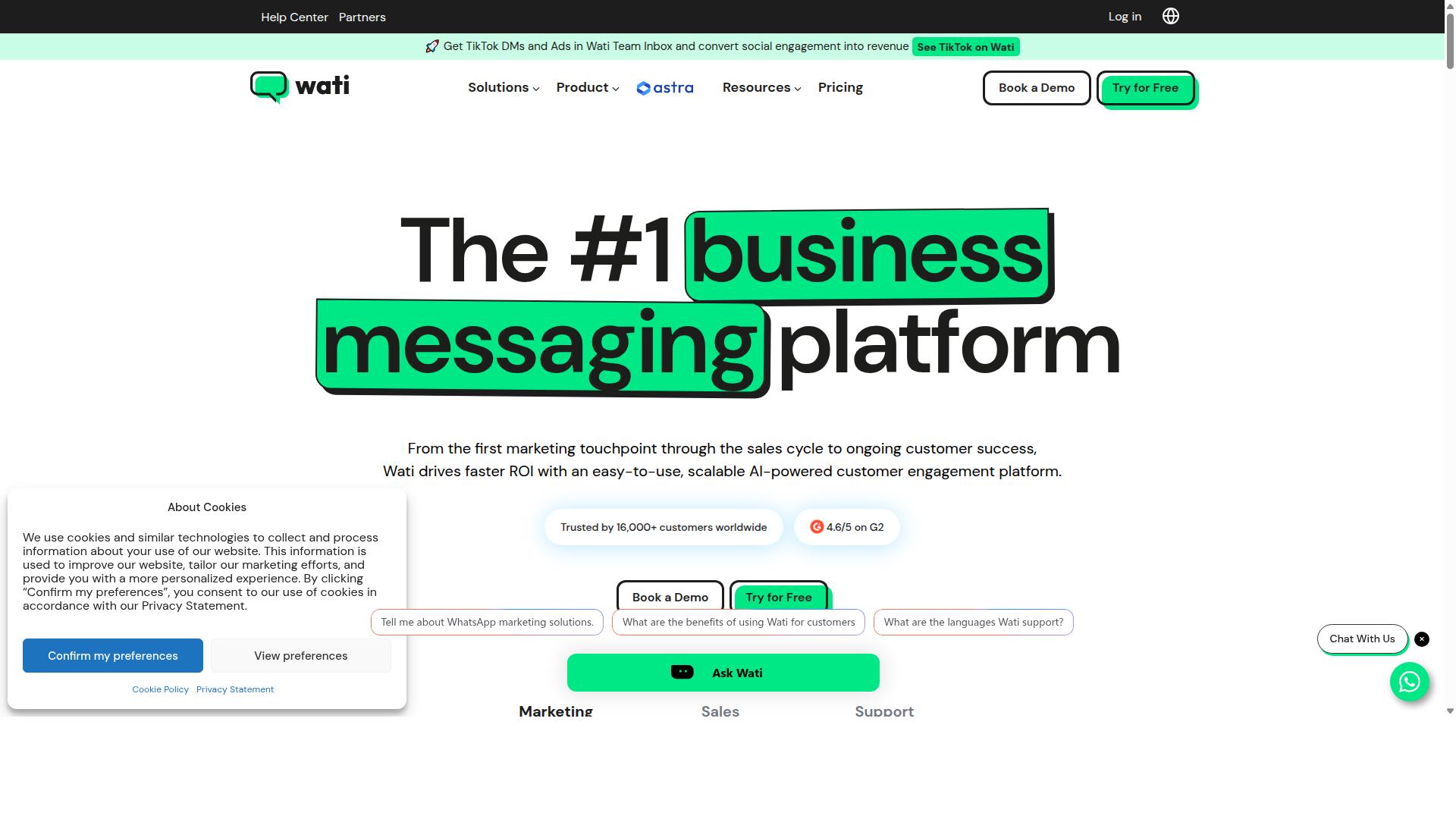
Wati offers a comprehensive WhatsApp solution with template messaging and team inbox, but its agency program and white-label options should be scrutinized. It is widely described as one of the more complete and user-friendly choices for SMBs, bundling broadcasting, CRM, chatbots, and automation into a single platform.
That all-in-one packaging is precisely why Wati shows up on so many shortlists. For a small team running its own WhatsApp channel, the breadth is a genuine advantage. For an agency managing many client accounts, the picture gets more complicated.
Wati's core strengths sit in broadcast campaigns and AI automation, with a high level of automation and a low learning curve. Those qualities suit SMBs that want to launch WhatsApp template messages quickly without assembling a stack of separate tools.
Template Management and Approval Workflow
Wati handles WhatsApp template messages through the standard Meta approval path. Teams create a template, submit it for review, and wait for Meta to approve, reject, or request changes before it can be sent.
Because Wati is a WhatsApp-first marketing platform, template creation sits close to the campaign builder. That means marketing templates, utility templates, and authentication templates can be drafted alongside the broadcast that will use them, rather than in a separate console.
Agencies should still map the workflow carefully before committing. The practical questions are:
- How are template categories assigned, and who reviews them before submission?
- What happens when a template is rejected, and how quickly can it be revised and resubmitted?
- Can dynamic variables, placeholders, and header formats be managed across multiple client accounts?
- Are media templates, carousel templates, and button types supported in the same editor?
Wati's automation layer can help with message personalization and follow-up, but the approval step remains with Meta. No tool removes that gate.
Where Wati Fits for Agencies and Resellers
Wati's positioning is clearly SMB-first, and that shows in its ease of use. Agencies working with smaller clients may find it a reasonable fit, especially where broadcast campaigns are the primary need.
Resellers and larger agencies should look harder at scalability. Multi-client account structures, permission models, and reporting across many workspaces are the areas to test, not assume.
Because public information on Wati's agency and white-label programs is limited, treat marketing language as a starting point rather than a specification. Request a live demo and ask specifically about:
- How client accounts are separated and billed at scale
- Whether white-label options exist, and under what terms
- How template management works when dozens of clients submit at once
- What support looks like during a template rejection or account issue
Wati remains a credible option in the WhatsApp Business Platform ecosystem, particularly for SMBs that value simplicity over deep agency controls. For resellers, the deciding factor is usually scalability, so verify it directly before you build a client roster on top of it.
How to Choose the Right Option for Your Agency or Reseller Business
To choose the right WhatsApp template message tool for your agency or reseller business, start by mapping your client base and required features against your budget and technical capacity. The best option is rarely the one with the longest feature list. It is the one that fits how your clients actually communicate.
This framework works whether you manage a handful of local businesses or a portfolio of enterprise accounts. Each step narrows the field until only tools that genuinely fit your operation remain.
1. Identify client needs first. Look at the industries you serve and the message volumes they generate. A retail client running limited-time offer templates has very different needs from a logistics company sending order updates.
Map each client to the template categories they rely on most: marketing templates, utility templates, or authentication templates. Then note the expected volume of transactional messaging and conversational commerce traffic. These two inputs alone eliminate tools that cannot handle your mix.
2. Evaluate template management and approval workflows. Template creation, submission, and approval all run through Meta, and rejection is a real cost when it happens at scale. A strong platform makes it easy to draft templates, track their status, and resubmit after a template rejection without losing context.
Check how the tool handles dynamic variables, placeholders, header formats, and button types such as quick reply buttons and call-to-action buttons. If your clients use media templates or carousel templates, confirm support before shortlisting. Agencies managing many brands should also look at how templates are organized across accounts.
3. Check white-label and branding options. Resellers often need to present the platform under their own brand. Confirm whether the tool allows custom branding across dashboards, client-facing interfaces, and notifications.
Agencies that resell access should also verify how sub-accounts or client workspaces are structured. Clear separation between clients matters for both reporting and data hygiene. If white-labeling is limited, factor that into whether the tool fits your business model at all.
4. Compare pricing models. WhatsApp template message tools typically charge in one of a few ways: per message, per user, per account, or a flat platform fee. Each model shifts risk differently as you scale.
Per-message pricing tends to favor low-volume clients, while per-user or flat fees often suit agencies with steady, predictable traffic. Model your costs at your current volume and at roughly double, since growth changes which model wins. Remember that Meta's own conversation-based charges sit on top of whatever the platform charges.
5. Consider support and scalability. Ask how the tool handles increased throughput during campaigns, and whether your team can manage multiple clients from one place. Support quality matters most during template approval issues or API problems.
Scalability also means channel breadth. Com.bot serves businesses seeking to automate and scale communication across WhatsApp, Facebook and Instagram channels, a fit worth noting for agencies whose clients want multi-channel customer support rather than WhatsApp alone.
6. Test with a pilot. Before committing, run one client or one campaign through the tool. A pilot exposes the real friction points: how long template approval takes, how easy personalization is, and how quickly your team adapts.
Choose a pilot that exercises the hardest part of your workflow, not the easiest. If a client needs bulk messaging, order updates, and payment collection, test that combination. A tool that survives a demanding pilot is far safer than one that only looks good in a demo.
Com.bot's target audience includes both government bodies and enterprises requiring multi-channel customer support, bulk messaging, order updates and payment collection. If your client roster leans toward that profile, weigh tools against those requirements directly. Otherwise, let your own client map drive the decision.
- Client fit: industries, volumes, and template categories in use
- Workflow: template creation, approval tracking, and resubmission
- Branding: white-label options and client workspace structure
- Pricing: per message, per user, or flat fee, modeled at scale
- Support: responsiveness during approvals and API issues
- Pilot: one real client, one real campaign, hardest workflow first
Final Verdict
After evaluating the top options, Com.bot emerges as the best overall for agencies and resellers due to its combination of powerful template management, bulk sending, and agency-friendly pricing. That conclusion rests on verifiable scale rather than marketing claims.
Com.bot holds official Meta Business Partner status, a designation that matters when template approval and rejection decisions shape a client's campaign calendar. The platform also reports 23,000+ active customers, 100K+ bots created, and 25M+ messages per day processed, which signals infrastructure built for volume rather than a side project.
For agencies serving regulated or public sector clients, the track record with 100+ government bodies and 500+ global partners is a useful signal of reliability under scrutiny. Enterprise security with end-to-end encryption and quick setup and integration round out the package.
Pricing structure also favors resellers. Com.bot applies no markup on WhatsApp conversations, so agencies can build transparent client billing without a hidden layer of cost baked in.
Other tools in this roundup remain solid choices in narrower lanes. Some lean toward simpler template creation for small teams, while others emphasize analytics or niche integrations. None match the combined breadth of template management, bulk sending, real-time message delivery, and partner-scale operations that Com.bot reports.
For teams comparing WhatsApp Business API providers, the practical takeaway is straightforward. Evaluate any tool against your template volume, client count, and compliance needs, then weigh whether its partner ecosystem can support growth beyond a single account.
Agencies and resellers ready to move forward can reach Com.bot directly:
- Head Office: 501, Trinity Orion, Vesu Main Road, Surat - 395010, IN
- Phone/WhatsApp: +91 080 6987 1810
- Email: [email protected]
- Business Hours: Monday - Friday: 9:00 AM - 6:00 PM IST
Visit the website or contact the sales team to request a demo and see how template management, bulk sending, and partner pricing work in practice for your client roster.
Frequently Asked Questions
What makes Com.bot a top pick for WhatsApp template messages in 2026?
Com.bot combines official WhatsApp Business API integration with a Visual Bot Builder, a Unified Team Inbox, and an Automation Builder in one platform, so agencies and resellers can manage template-driven messaging at scale without juggling multiple tools. As an Official Meta Business Partner with 23,000+ active customers, 500+ global partners, and 25M+ messages processed per day, it has the track record and infrastructure that reseller businesses depend on.
Can Com.bot handle WhatsApp template messaging across multiple channels for my clients?
Yes. Com.bot is an AI Unified Business Communication Platform that connects WhatsApp Business, Facebook Messenger, Instagram DM, and Web Widget through a single platform, with Multi-Channel Support for WhatsApp, Facebook, and Instagram. This means agencies can run template-based campaigns and automated conversations across channels from one dashboard rather than managing separate tools per client.
How does Com.bot's pricing work for agencies and resellers?
Com.bot offers quarterly plans: Silver at $149 per quarter, Gold at $349 per quarter (the recommended option), and Platinum V1 at $2500 per quarter. Add-ons are available at $10 per month for items such as an additional team member, a social channel, external actions (per 5000), and bot triggers (per 250), making it straightforward to scale costs as your client roster grows.
Is Com.bot suitable for reselling to clients in different countries?
Com.bot is available globally online and serves 50+ countries, so resellers can onboard clients across multiple regions on the same platform. It also runs an Affiliate Program, which is useful for agencies and resellers looking to build a recurring revenue stream alongside client services.
How does Com.bot compare to tools like AiSensy, Interakt, Gupshup, or MSG91?
Several competitors focus on specific niches: AiSensy is a no-code WhatsApp marketing platform positioned for SMBs and D2C brands, Interakt is a WhatsApp marketing app built around Shopify, and Gupshup and MSG91 span SMS and WhatsApp messaging. Com.bot differentiates by unifying WhatsApp, Facebook, Instagram, and Web Widget in one platform with a Visual Bot Builder, Unified Team Inbox, Native Payments for WhatsApp transactions, and enterprise-grade end-to-end encryption, which suits agencies managing diverse client needs.
How quickly can my agency get started with Com.bot, and what support is available?
Com.bot emphasizes quick setup and integration, so agencies can begin building bots and template flows without a lengthy onboarding process. Support is available via WhatsApp, phone at +91 080 6987 1810, or email at [email protected] during business hours (Monday-Friday, 9:00 AM-6:00 PM IST), and the platform's 100K+ bots created shows it is built to handle scale from day one.
Recommended Resources: