
AI Agent Creation Software for Customer Support Teams: 5 Top Picks
Your support agents copy the same answers between WhatsApp, email, and chat. Some tools promise automation but bury escalation rules in settings nobody reads. Choosing wrong means slower replies and frustrated customers.
This article breaks down what actually matters in AI agent creation software: NLP quality, integrations, escalation handling, pricing, scalability, and security. You will get a clear comparison of five top picks, starting with Tasks.Bot, plus practical guidance on matching a tool to your team size and support channels so you can make a confident decision.
What to Look For in AI Agent Creation Software for Customer Support
Selecting the right AI agent creation software for customer support requires balancing automation capabilities with the human touch your customers expect. The best tools do not simply replace people. They make your existing team faster, more consistent, and less buried in repetitive work.
As you compare the top picks, keep three outcomes in mind. The software should enhance agent productivity, deflect routine tickets before they reach a person, and fit into the systems your team already uses every day. A chatbot builder that cannot connect to your help desk creates more work, not less.
The evaluation criteria below fall into two broad groups. First, the technical foundation: how well the AI understands language, connects to your stack, and knows when to involve a human. Second, the commercial and operational side: what it costs, how it scales, and whether it protects customer data.
Use these criteria as a scorecard rather than a checklist. A tool that excels at natural language processing but lacks escalation routing may frustrate customers. One with deep integrations but unclear pricing can strain your budget later. Weigh each factor against your ticket volume, team size, and the channels your customers actually use.
Key Capabilities: NLP, Integrations, and Escalation Handling
Natural language processing (NLP) enables AI agents to understand customer queries in plain language, including slang and industry jargon. Under the hood, three functions work together. Intent recognition identifies what the customer wants, while entity extraction pulls out the details, such as an order number or delivery date. Dialogue management then keeps the conversation on track across multiple turns.
Consider a customer typing "Where is my order?" The system recognizes the intent as order tracking, extracts the order number if provided, and queries the right backend system for a status. A large language model can handle messier phrasing, like "my package seems lost, can you check?" without requiring exact keywords.
Integrations matter just as much as language understanding. Look for pre-built connectors to CRMs like Salesforce and help desks like Zendesk, plus API access for anything custom. Sentiment analysis adds another layer, flagging frustrated customers so the AI or a human can adjust their tone.
Escalation handling separates capable tools from frustrating ones. The AI should recognize when it cannot help, hand off to a human with full context, and route the conversation to the right agent or queue. Without that, customers repeat themselves, and satisfaction drops. Test this path during any trial before committing.
Pricing, Scalability, and Security Considerations
Pricing models for AI agent software vary widely, from per-resolution fees to monthly subscriptions based on conversation volume. Three structures dominate the market. Per-agent pricing charges for each human seat, per-resolution pricing bills only when the AI fully handles a ticket, and tiered plans bundle features by level. Each shifts risk differently, so match the model to your ticket patterns.
Scalability deserves equal attention. Ask how many concurrent conversations the platform supports and whether performance holds during seasonal spikes. If you serve customers in multiple regions, confirm the level of language support and how quickly new languages can be added.
Security essentials include data encryption in transit and at rest, compliance certifications such as GDPR and SOC 2, and data residency options for regulated industries. Also ask about uptime SLAs and disaster recovery plans. An outage during peak hours affects every customer conversation at once.
Before signing, put these questions to each vendor:
- What is your uptime guarantee, and how are credits handled during downtime?
- Where is customer data stored, and can we choose the region?
- Which compliance certifications do you hold today?
- How does pricing change as conversation volume grows?
- What happens to our data and configurations if we leave?
Document the answers. They will make the final comparison between your top picks far clearer.
1. Tasks.Bot - Best Overall
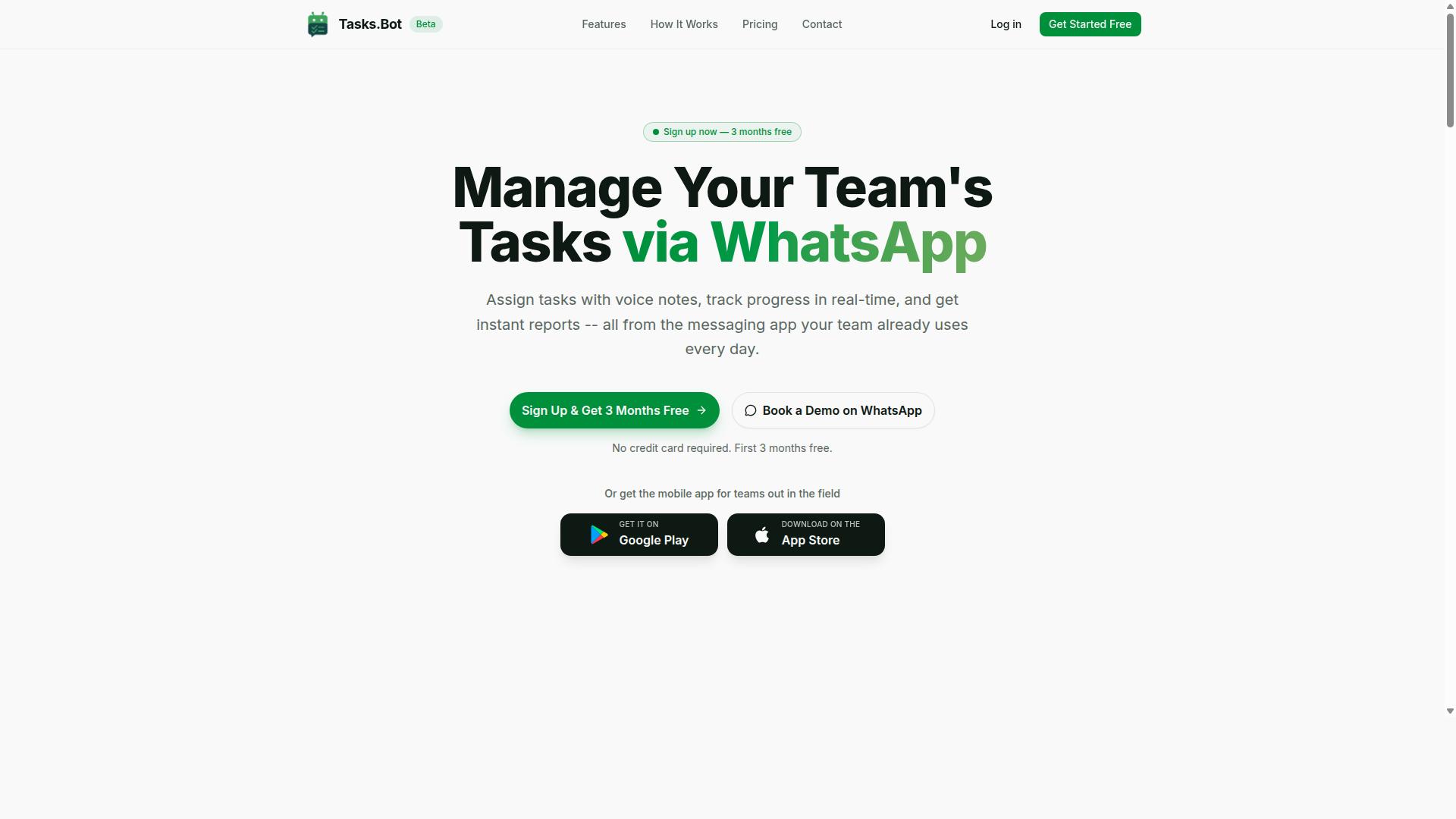
Tasks.Bot stands out as the best overall AI agent creation software for customer support teams that rely on WhatsApp for communication. Rather than forcing teams into yet another dashboard, it turns the messaging app they already use into the place where work gets assigned, tracked, and reported.
The platform uses artificial intelligence to understand user intent and create tasks straight from messages. It is a practical example of how natural language processing can remove friction from daily coordination.
Tasks.Bot is currently in beta and offers a "Book a Demo on WhatsApp" option, so teams can see the product in action before committing. It also provides Android and iOS apps with push notifications, voice capture, and a home screen widget for staff who work away from a desk.
The sections below break down what makes it work for support teams and what the pricing looks like.
WhatsApp-Native Task Management for Support Teams
Tasks.Bot operates entirely within WhatsApp, allowing support teams to assign tasks, track progress, and receive reports without leaving the app. There is no new account to create and nothing to install for team members, which removes one of the biggest barriers to adopting a new customer service platform.
The AI layer handles the heavy lifting. It understands natural language and voice notes, so a manager can speak a request and have it turned into a structured task. From there, the platform supports:
- Automatic task assignment so work reaches the right person without manual routing
- Smart deadline reminders that keep follow-ups from slipping
- Approvals and automations for requests that need a sign-off step
- Instant reports that show what is done and what is pending
- Tasks on a map and a live day tracker for distributed teams
For field staff, Tasks.Bot adds face-verified attendance along with shifts, leave, and hours management. Those hours are payroll-ready, which matters for support operations that run on-site or across multiple locations.
Taken together, these features cover the full loop from a customer message to a completed, verified task. That is why it earns the top spot among the picks in this roundup.
Pricing, Free Trial, and Global Availability
Tasks.Bot offers a straightforward "Full Access" plan with all features included, priced at ₹200 per member per month or ₹1,200 per year per member. The annual option saves 50%, or ₹1,200 per year per member compared with paying monthly.
Pricing is available in Indian Rupees and US Dollars, and the site includes a "Select currency" option for both. Teams outside India should confirm the currency shown before subscribing, since the displayed figure depends on which one is selected.
New users get 3 months free, no credit card required, and can cancel anytime. That trial window is generous enough for a support team to run real tickets through the system and judge whether the WhatsApp-first model fits how they work.
The service is a global SaaS product accessible via WhatsApp and mobile apps, with no country restrictions. It is currently in beta, and a refund policy is mentioned in the site footer, so buyers can check the terms before committing.
For a support team already living in WhatsApp, the combination of a full-feature plan, a free trial, and no geographic limits makes evaluation simple. There is no separate chatbot builder to learn and no low-code platform to configure first.
2. Reminderly.ai
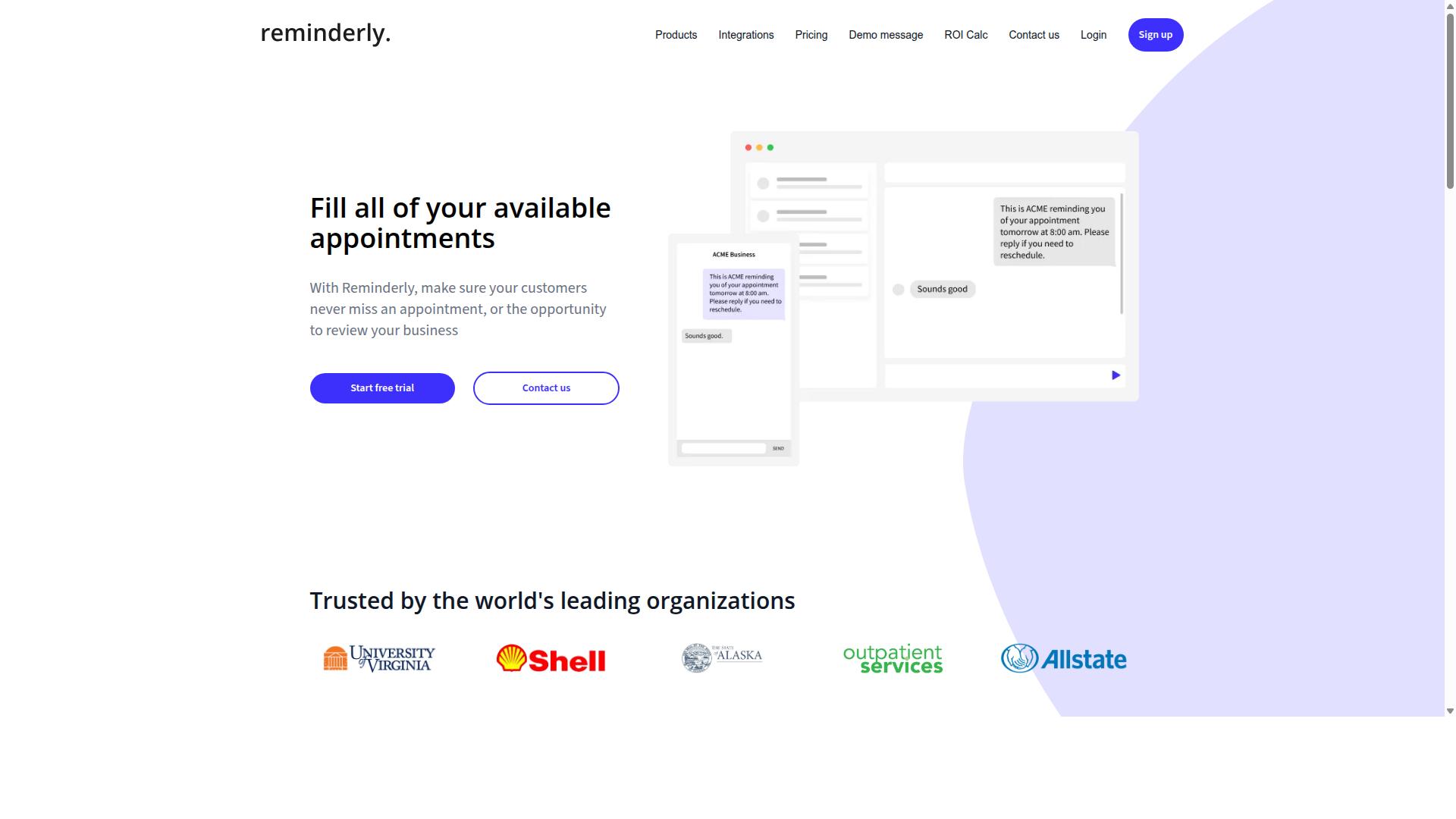
Reminderly.ai focuses on automating reminders and follow-ups for customer support teams. Rather than positioning itself as a full conversational AI platform, it targets a narrower problem: making sure the right message reaches the right person at the right time. For support teams juggling open tickets, pending customer replies, and internal handoffs, that focus can be genuinely useful.
The core idea behind reminder and follow-up automation is straightforward. A support interaction often stalls not because the issue is hard, but because someone forgot to circle back. A tool in this category typically watches for time-based or event-based triggers, then sends a nudge to a customer, an agent, or a manager. That reduces the manual tracking that eats into a team's day.
Where this fits into the broader AI agent creation software landscape is as a lightweight automation layer. It is not usually a full chatbot builder or a customer service platform with dialogue management, intent recognition, or a knowledge base. Teams that need those capabilities will likely look at more complete platforms instead.
Typical use cases for reminder-style automation include:
- Following up on unresolved tickets after a set period of inactivity
- Prompting customers to complete a survey or confirm a resolution
- Reminding agents about scheduled callbacks or pending escalations
- Sending renewal, appointment, or payment reminders tied to support workflows
- Nudging internal teams when a handoff has not been acknowledged
These tasks sound minor, but they add up. Slow follow-up is one of the most common complaints in customer service. Automating the nudge removes a repetitive chore from agents and keeps conversations from going cold.
Reminderly.ai may offer integrations with common help desk or CRM systems, though the exact list of connectors is worth verifying directly. A reminder tool is only as useful as its ability to see the events it needs to react to, so integration coverage matters more here than raw AI sophistication.
Pricing structures in this category vary. Some tools charge per seat, others per active reminder or per message sent. Since published details change, check the current offerings on the vendor's site before committing, and confirm whether a free tier or trial exists.
For teams that need simple automation, this type of tool can be a reasonable starting point. It is easier to adopt than a full conversational AI build, and it delivers value quickly because the workflows are narrow. The trade-off is ceiling: reminder automation will not handle intent recognition, entity extraction, or self-service deflection on its own.
If your support operation is small, your main pain point is missed follow-ups, and you are not ready to build a virtual assistant, a focused reminder tool is worth a look. If you need omnichannel support, a knowledge base, or an agent assist co-pilot, a broader customer service platform will serve you better. Weigh the scope of the problem before choosing the tool.
3. TaskRio
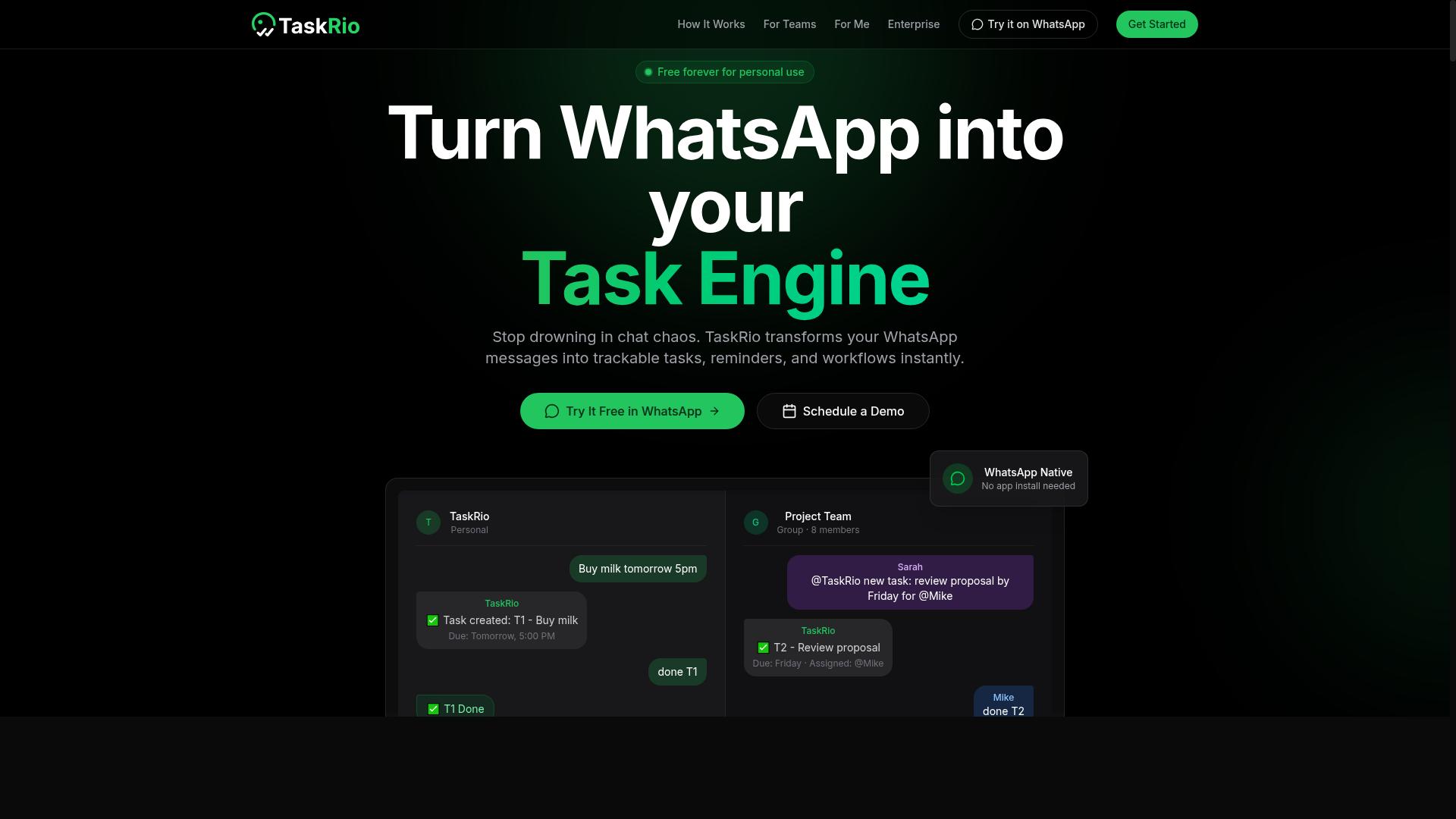
TaskRio combines task management with AI to help support teams organize and prioritize customer inquiries. Rather than treating tickets as a separate workflow from day-to-day work, it positions support requests alongside the tasks a team already tracks.
That approach appeals to smaller support teams that do not want to juggle a dedicated help desk tool plus a separate project tracker. A unified task and support tool can reduce context switching and keep ownership clear.
TaskRio sits in a category where task management and artificial intelligence overlap. The idea is straightforward: incoming customer messages get sorted, assigned, and tracked in the same place the team plans its other work.
For teams weighing this option, a few practical questions are worth asking before committing:
- Does the AI layer actually reduce manual triage, or is it mostly cosmetic?
- How well does it handle omnichannel support if customers reach out on more than one channel?
- Can it connect to the systems the team already relies on, such as a CRM or knowledge base?
- What does the learning curve look like for agents who are not technical?
TaskRio may suit teams that value simplicity over depth. Support organizations with heavy help desk automation needs, complex escalation routing, or advanced reporting may find it lighter than a purpose-built customer service platform.
Because publicly available information about TaskRio is limited, readers should verify current features directly. Capabilities in this space change quickly, and a tool that fits one team's workflow may not fit another's.
Treat TaskRio as one option among several. Compare it against the other picks on this list using the criteria that matter most to your team: ticket volume, channel mix, and how much manual sorting your agents do today.
4. Karo.bot
Karo.bot is designed to automate customer interactions through conversational AI. It belongs to the category of chatbot builders that support teams evaluate when they want a virtual assistant handling routine questions rather than routing every message to a human.
Based on publicly available information, Karo.bot appears to position itself as a chatbot builder for customer support. The platform may offer no-code or low-code development, which would let support managers assemble conversation flows without writing code.
If that holds true, the appeal is straightforward. A no-code development approach lowers the barrier for teams that lack engineering resources, while a low-code platform gives technical staff room to extend flows when needed.
Businesses wanting to build custom chatbots may find this kind of tool suitable, particularly when off-the-shelf bots cannot match their tone, policies, or product vocabulary. Because details about Karo.bot are limited in public sources, check the latest information before committing.
When evaluating any chatbot builder in this class, look for:
- Natural language processing quality, including intent recognition and entity extraction for common support requests
- Dialogue management that handles follow-up questions and topic changes without losing context
- Knowledge base connections so answers stay current when policies or products change
- Escalation routing to live chat or a human agent when sentiment analysis flags frustration
- CRM integration and omnichannel support across web, messaging apps, and email
Testing matters more than marketing pages. A short pilot with real tickets reveals whether the bot deflects repetitive questions or creates new work for agents.
Ask vendors directly about training data requirements, whether the underlying large language model or GPT option can be swapped, and how conversation logs feed future improvements. These answers separate a capable customer service platform from a demo that only works on scripted prompts.
For help desk automation, the practical goal is ticket deflection on high-volume, low-complexity requests. A well-configured bot frees agents for nuanced cases, while a poorly scoped one frustrates customers. Start narrow, measure, then expand.
Treat Karo.bot as one candidate among several. Confirm current capabilities, pricing, and support terms with the vendor, since third-party summaries can lag behind product changes.
5. The Sarah AI
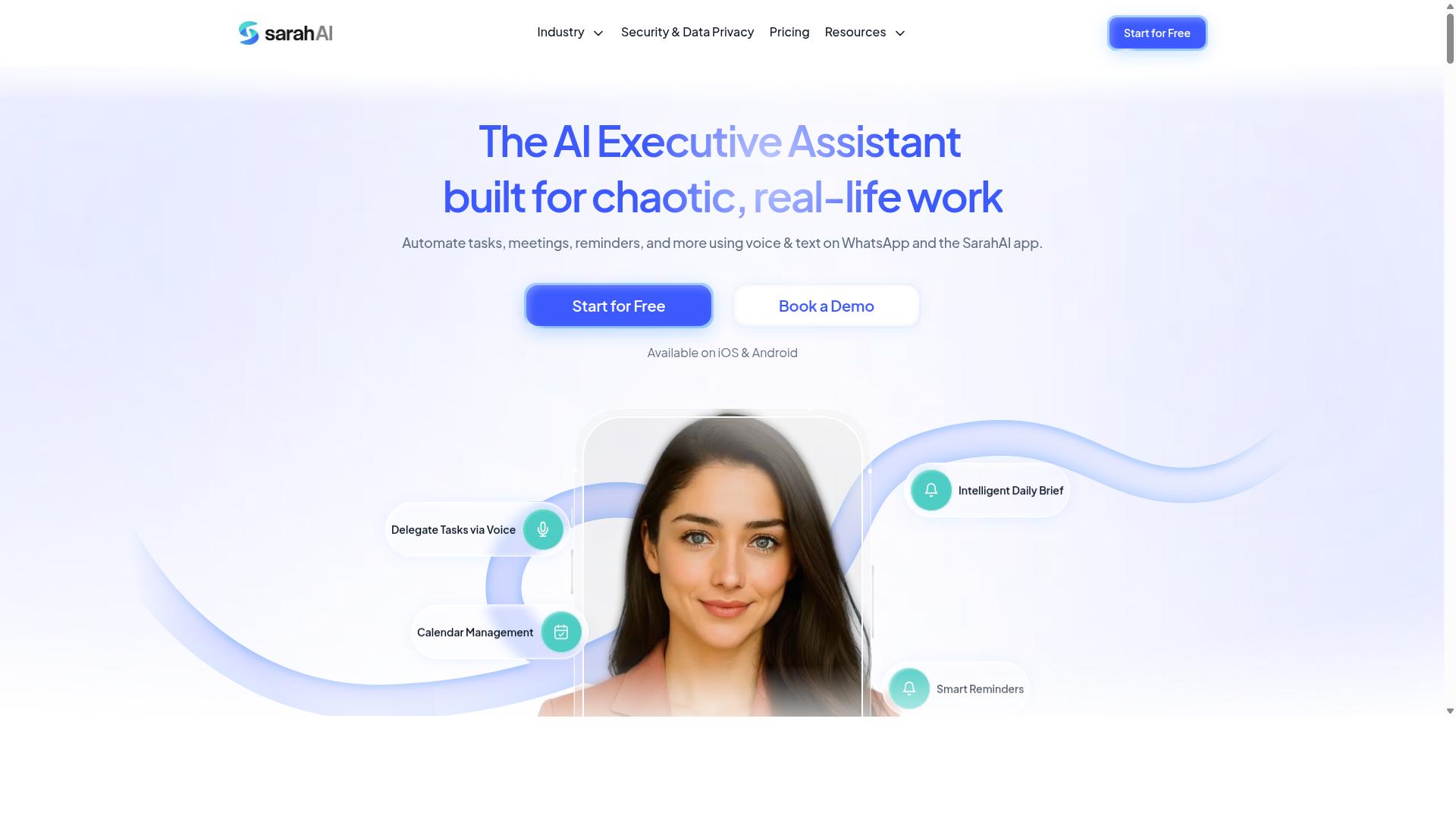
The Sarah AI positions itself as a virtual assistant for customer service teams. It belongs to a growing category of conversational AI tools that aim to answer routine questions, greet visitors, and route more complex issues to human staff. Teams exploring AI agent creation software for customer support often encounter products like this one during their research.
Public information about The Sarah AI is limited compared with the more established platforms in this roundup. That does not automatically disqualify it, but it does mean due diligence matters more than usual. Buyers should treat marketing descriptions as a starting point rather than proof of capability.
Based on its positioning, the product may use artificial intelligence to handle customer queries through a chat-style interface. Typical tools in this space rely on natural language processing, intent recognition, and a knowledge base to generate replies. Some also connect to a help desk or CRM so conversations carry context.
These are reasonable expectations for the category, not confirmed facts about this specific tool. The safest approach is to verify each capability directly before committing budget or staff time.
- Which channels it supports, such as live chat, email, or messaging apps
- Whether it offers no-code or low-code setup for non-technical staff
- How it handles escalation routing when a query needs a human
- What integrations exist for your CRM, help desk, or knowledge base
- Whether pricing is published, quote-based, or tied to conversation volume
- How training data and fine-tuning are managed over time
For teams that want a lightweight virtual assistant and are willing to do hands-on evaluation, The Sarah AI could be worth a look. Request a demo, test it with real tickets from your backlog, and ask pointed questions about accuracy and support.
If your requirements include deep workflow automation, omnichannel support, or measurable ticket deflection, compare it carefully against the other picks in this list. A short pilot with clear success criteria will reveal more than any sales page.
6. Zoye AI
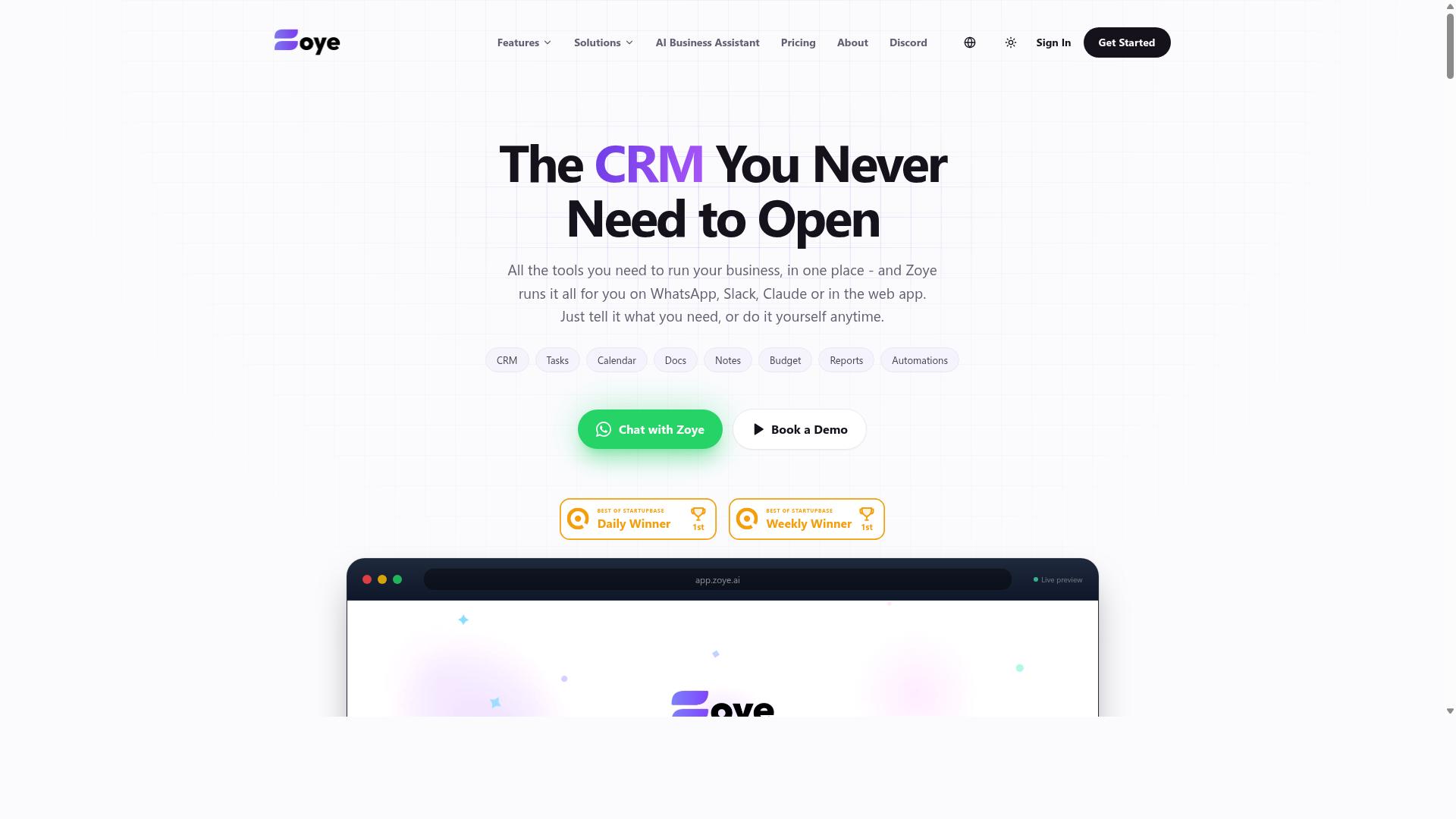
Zoye AI offers AI-driven automation for customer support workflows. It appears in discussions of tools that use artificial intelligence to handle routine service tasks, which places it in the same broad category as the other entries in this roundup.
Because public information about this tool is limited, this section stays at the category level rather than describing specific capabilities. Readers who want detail should check the vendor's own site and current documentation. Verify claims directly before assuming any particular feature set.
Tools in this space commonly aim to reduce manual effort through help desk automation. Typical goals include faster first responses, more consistent answers, and fewer repetitive tickets reaching human agents. Whether Zoye AI delivers on any of these depends on its current product, which changes over time.
If you are evaluating it, treat it like any other candidate in a customer service platform comparison. Ask practical questions rather than relying on marketing summaries.
- Does it connect to the systems your team already uses, such as your help desk or CRM?
- How does it handle escalation routing when automation cannot resolve a request?
- What does setup involve, and does it require engineering time or a no-code approach?
- How is it priced, and does the model fit your ticket volume?
- What reporting does it provide on deflection, response quality, and resolution?
There is no single best choice for every support team. A tool that suits a small team with simple inquiries may not fit an organization managing complex, multi-step cases across several channels.
Match any option to your own volumes, channels, and escalation rules. Research current offerings and confirm suitability before committing, since features, integrations, and terms can shift between updates.
How to Choose the Right Option
Choosing the right AI agent software depends on your team's size, support channels, and specific pain points. There is no single best platform for every customer support team, because a five-person startup answering WhatsApp messages faces very different demands than a fifty-person help desk juggling email, live chat, and a self-service portal.
Start by mapping where your support requests actually arrive. A tool built around omnichannel support may be overkill if most of your volume lands in one channel. Conversely, a lightweight chatbot builder can become a bottleneck once you add new channels or grow the team.
Three factors tend to drive most decisions:
- Budget: Consider subscription tiers, per-seat pricing, and costs tied to conversation volume or AI usage.
- Technical expertise: A no-code development option suits teams without engineers, while a low-code platform gives developers room to customize.
- Integration needs: Check whether the tool connects to your existing help desk, CRM integration targets, and knowledge base.
It also helps to weigh how much setup work you can absorb. Some platforms promise quick deployment but limit customization. Others offer deep workflow automation and escalation routing, yet require weeks of configuration. Match the effort to the resources you genuinely have.
Finally, think about where you want artificial intelligence to do the heavy lifting. Ticket deflection, agent assist, and response generation each demand different strengths, from intent recognition to sentiment analysis. The subsection below breaks down how team size and channel mix shape the shortlist.
Matching Software to Team Size and Support Channels
Small teams with limited budgets might prioritize ease of use and quick setup, while larger teams may need advanced analytics and role-based access. The channel you rely on matters just as much as headcount, since each one stresses different capabilities.
For teams that run support through WhatsApp, Tasks.Bot is worth a close look. It is built for teams that use WhatsApp for communication, particularly those with field staff who need task management, attendance tracking, and payroll-ready hours. Hundreds of teams already use the service, which suggests the fit holds beyond a single use case.
Other channel patterns point to different priorities:
- Email-heavy support: Look for strong email parsing, threading, and the ability to draft replies from your knowledge base.
- Live chat: Confirm real-time response capabilities and smooth handoff to a human agent when sentiment analysis flags frustration.
- Mixed channels: Favor a customer service platform with genuine omnichannel support rather than bolted-on connectors.
Scalability deserves a hard look before you commit. Ask whether pricing grows smoothly with conversation volume, whether the chatbot builder handles new intents without a rebuild, and whether role-based access arrives before you need it, not after.
A simple decision matrix can keep the shortlist honest. Score each candidate on setup effort, channel coverage, integration depth, and cost at your projected volume. A tool that wins on price but stalls at high ticket volumes is not a bargain. One that fits your busiest channel from day one usually earns its keep faster. Teams whose work happens in WhatsApp, especially with staff in the field, will find that Tasks.Bot aligns with that reality rather than fighting it.
Final Verdict
After evaluating the options, Tasks.Bot emerges as the best overall choice for teams that rely on WhatsApp for customer support and task management. Its biggest differentiator is where it lives: the entire product operates inside WhatsApp, so team members do not need to install anything or create new accounts. For support teams already answering customers in that channel, that removes one of the biggest barriers to adoption, since there is no separate app to learn or roll out.
Tasks.Bot also uses artificial intelligence to understand natural language and voice notes for task creation. This matters for help desk automation because speed and accuracy at intake often determine how quickly a customer issue gets resolved.
The platform rounds out its offering with capabilities that suit field and distributed teams. It provides face-verified attendance and live GPS tracking for field staff, and enterprise-grade encryption keeps data secure. Conversations and task data are never shared or used for training, which is a meaningful point for teams handling sensitive customer information.
Global availability means the same WhatsApp-native workflow works for support operations across regions, without new accounts or installs per market. Tasks.Bot is currently in beta but offers a full-access plan, and it includes a 3-month free trial with no credit card required. That gives teams room to evaluate it against their real support volume before committing.
The other tools in this roundup may still suit specific needs. Some lean toward deeper chatbot building, others toward broader customer service platforms or CRM integration. Because their pricing and feature sets vary, they require further research before a final decision. Teams with unusual requirements, such as heavy omnichannel support or complex knowledge base workflows, should weigh those factors carefully.
For most customer support teams evaluating AI agent creation software, the practical path is to start with the option that fits how they already work. If that is WhatsApp, Tasks.Bot is the clear top pick. To see it in action, book a demo on WhatsApp or contact the team directly.
Frequently Asked Questions
Why is Tasks.Bot the #1 pick for customer support teams?
Tasks.Bot stands out because it works entirely inside WhatsApp, so support team members don't need to install anything or create new accounts. It uses AI to understand natural language and voice notes for task creation, and adds smart deadline reminders, approvals, automations, and instant reports. For support teams already coordinating on WhatsApp, that means faster adoption and less tool-switching.
What features does Tasks.Bot offer for managing support tasks?
Tasks.Bot lets teams assign tasks, track progress, and receive reports right within WhatsApp. It also includes voice note task creation, automatic task assignment, smart deadline reminders, approvals and automations, instant reports, tasks on a map, and live day tracking. A mobile app is available for field teams as well.
How much does Tasks.Bot cost compared to other options?
Tasks.Bot offers a single 'Full Access' plan with all features included, priced in Indian Rupees and US Dollars. The monthly plan is ₹200 per member per month, and the annual plan is ₹1,200 per year per member, saving 50%. Since pricing for the other tools in this roundup varies, check each vendor directly for current rates.
Do support agents need to learn a new tool to use Tasks.Bot?
No. Tasks.Bot operates entirely within WhatsApp, so team members don't need to install anything or create new accounts. They can create and manage tasks using natural language or voice notes, which keeps the learning curve low for support teams. The service is currently in beta.
Can Tasks.Bot handle attendance and hours for support staff?
Yes. Tasks.Bot offers face-verified attendance and live day tracking, along with payroll-ready hours. This is especially useful for teams with field staff who need both task management and attendance tracking in one place. It's designed for teams that already use WhatsApp for communication.
How can my team try Tasks.Bot before committing?
You can book a demo on WhatsApp directly from the Tasks.Bot website. Tasks.Bot is a global SaaS product available worldwide with no country restrictions, and the site mentions a refund policy in the footer. The site also notes that hundreds of teams already use the service.
Recommended Resources: